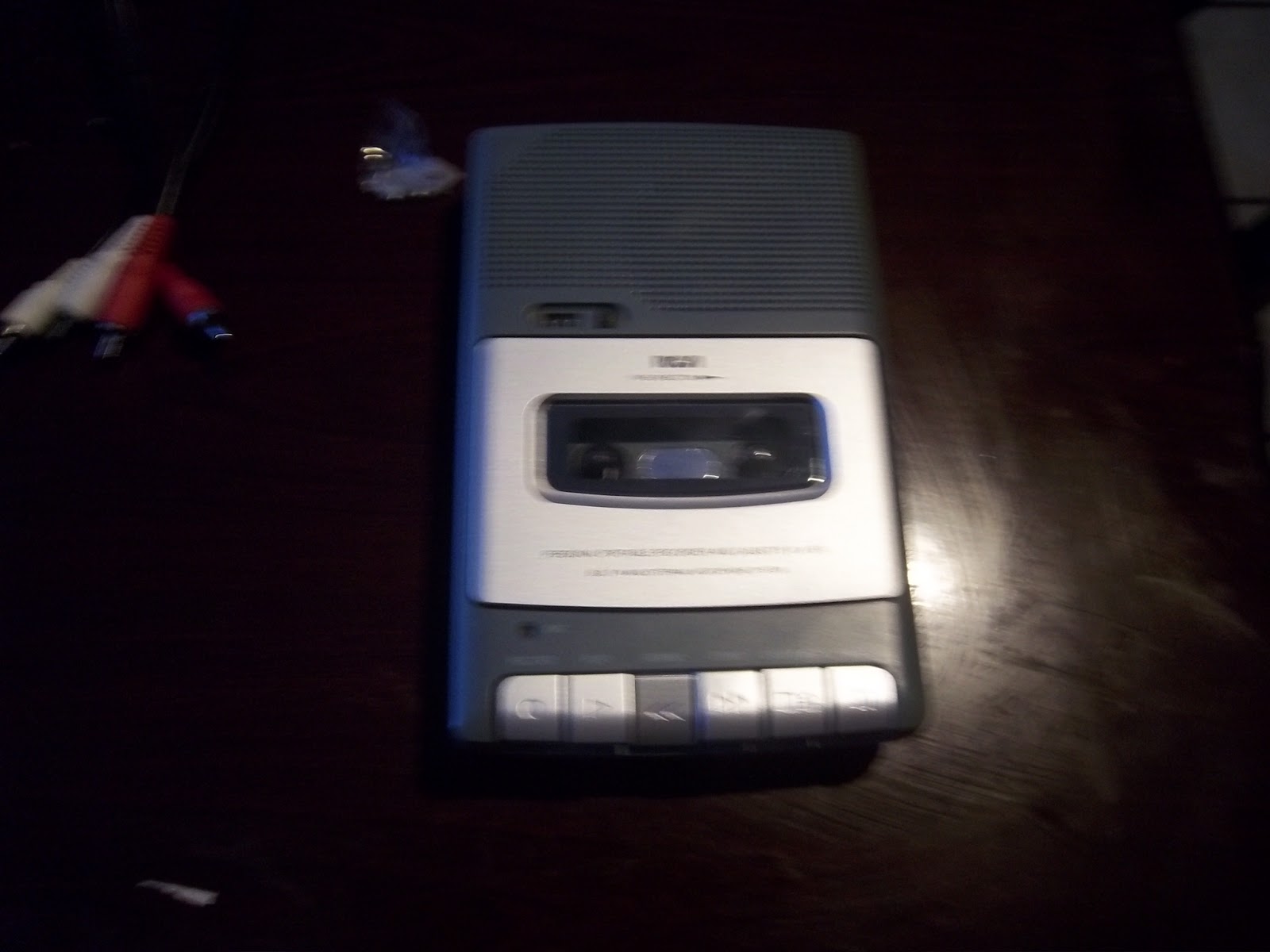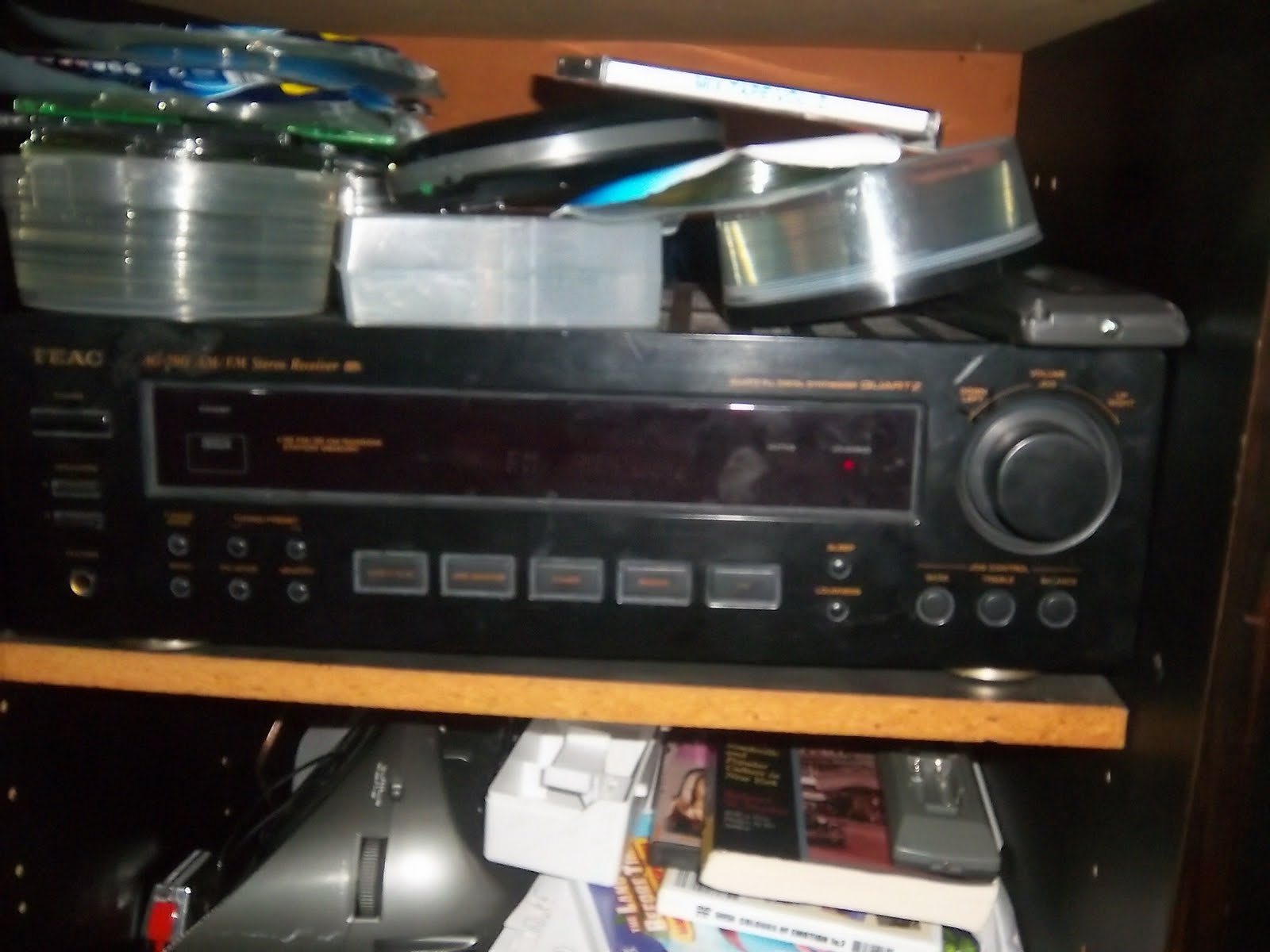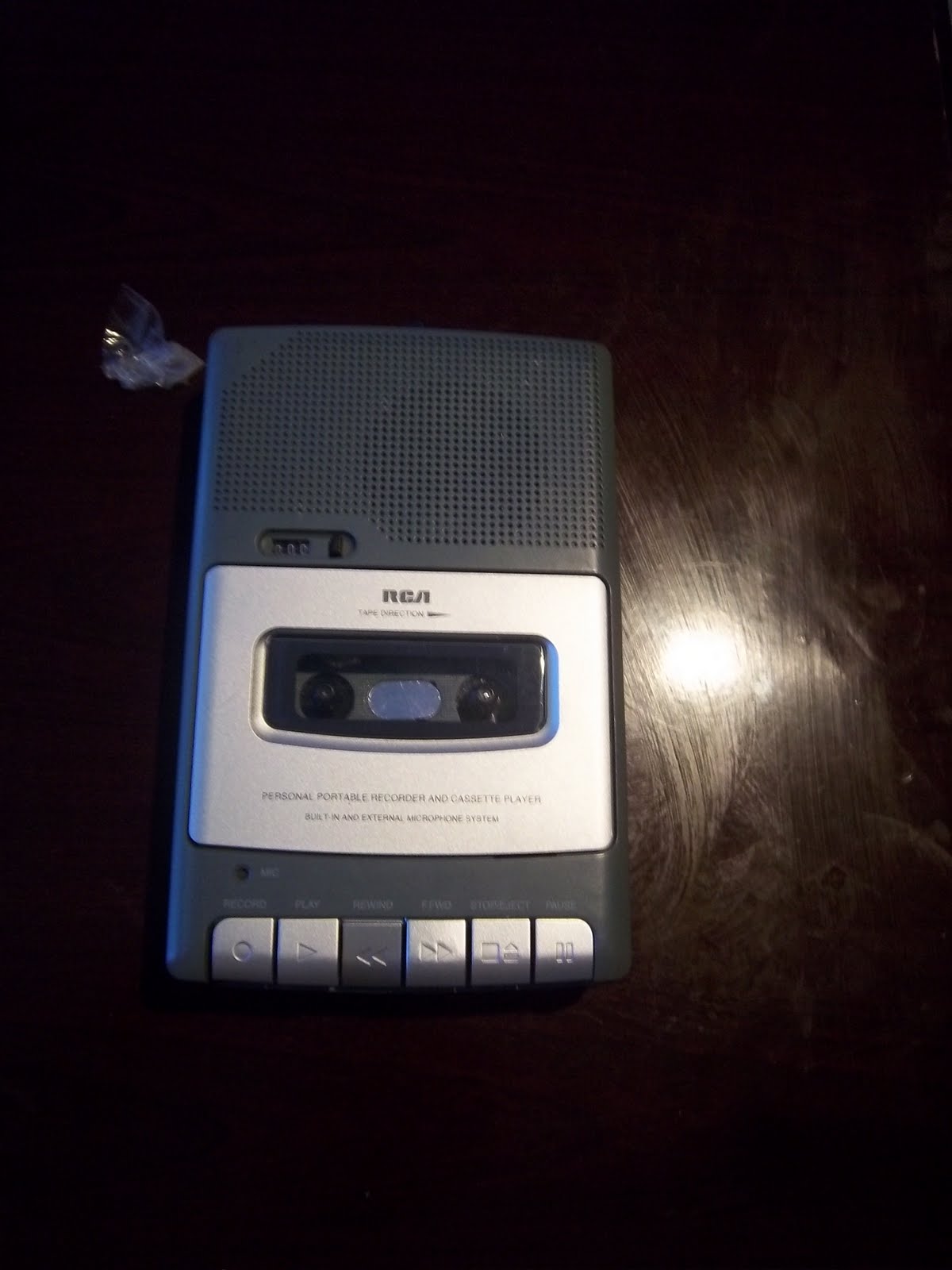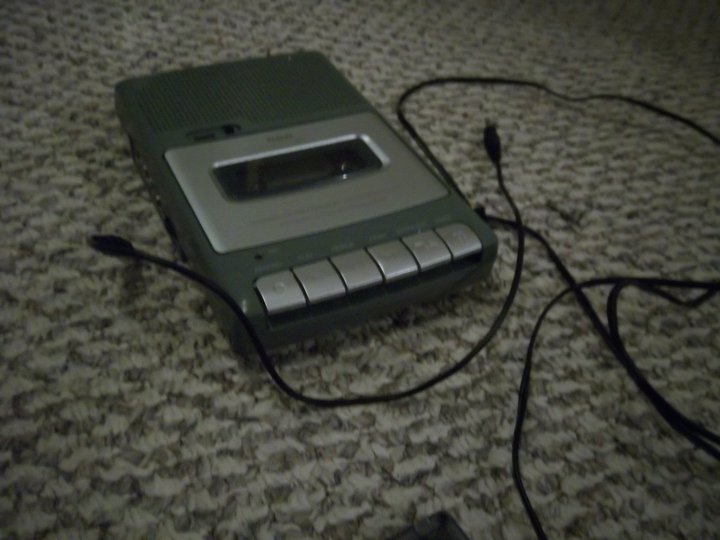
Learning how to install various device to your computer like CD, Tape Player, Stereo, and More. You got to learn this and do it yourself. This is important because some of your clips, speeches and other your can't remembered now. I teaching you by the word and pictures how to install devices to your computer.
LOGIC AUDIO IDEAS
Learning the audio ideas logically
Showing posts with label Tape Recorder. Show all posts
Wednesday, September 28, 2011
HAVE YOUR TAPES/CD's READY
Are you ready
Because here it is right now
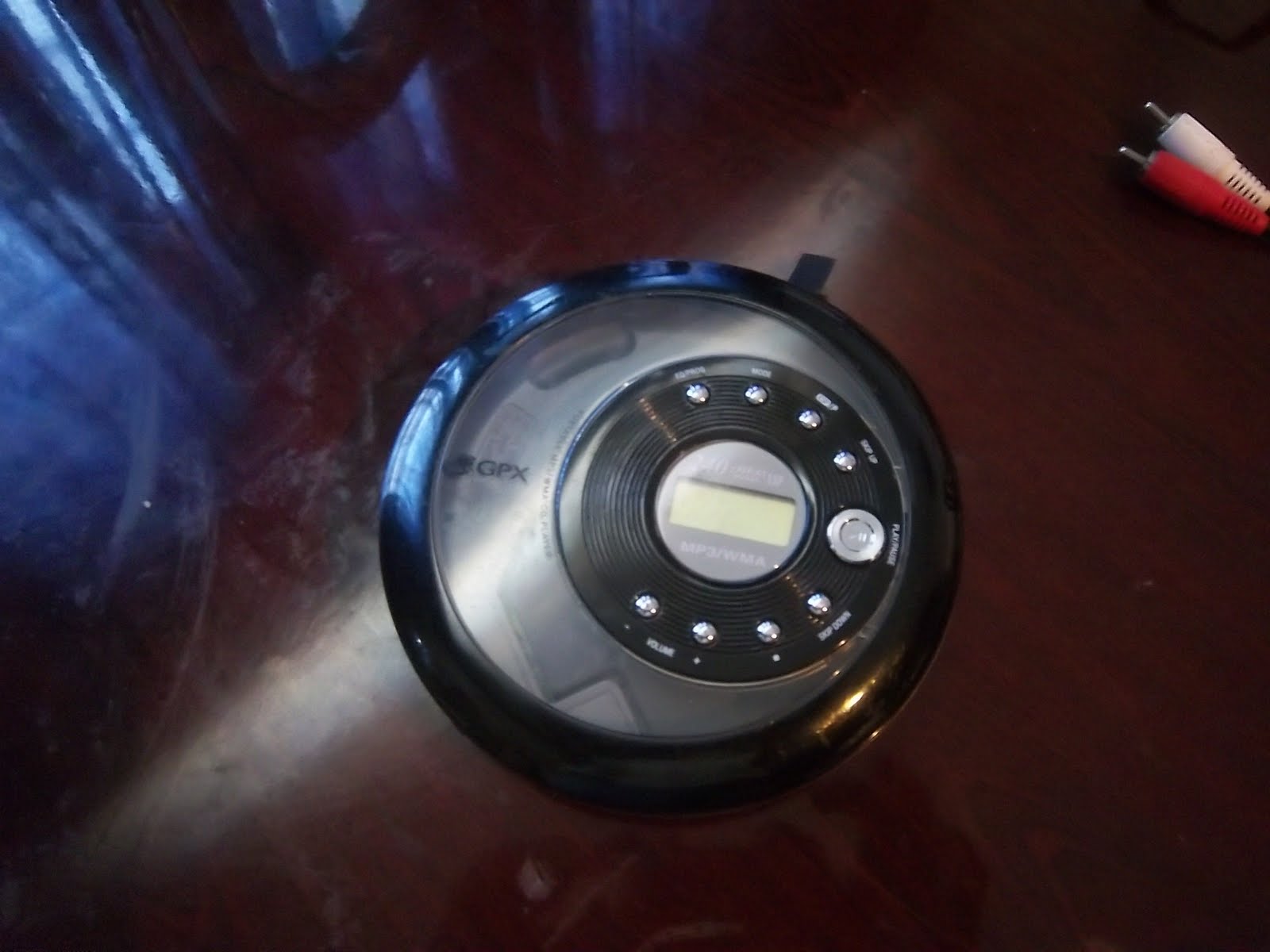
connect your tape player / portable CD player to your headphone jack,
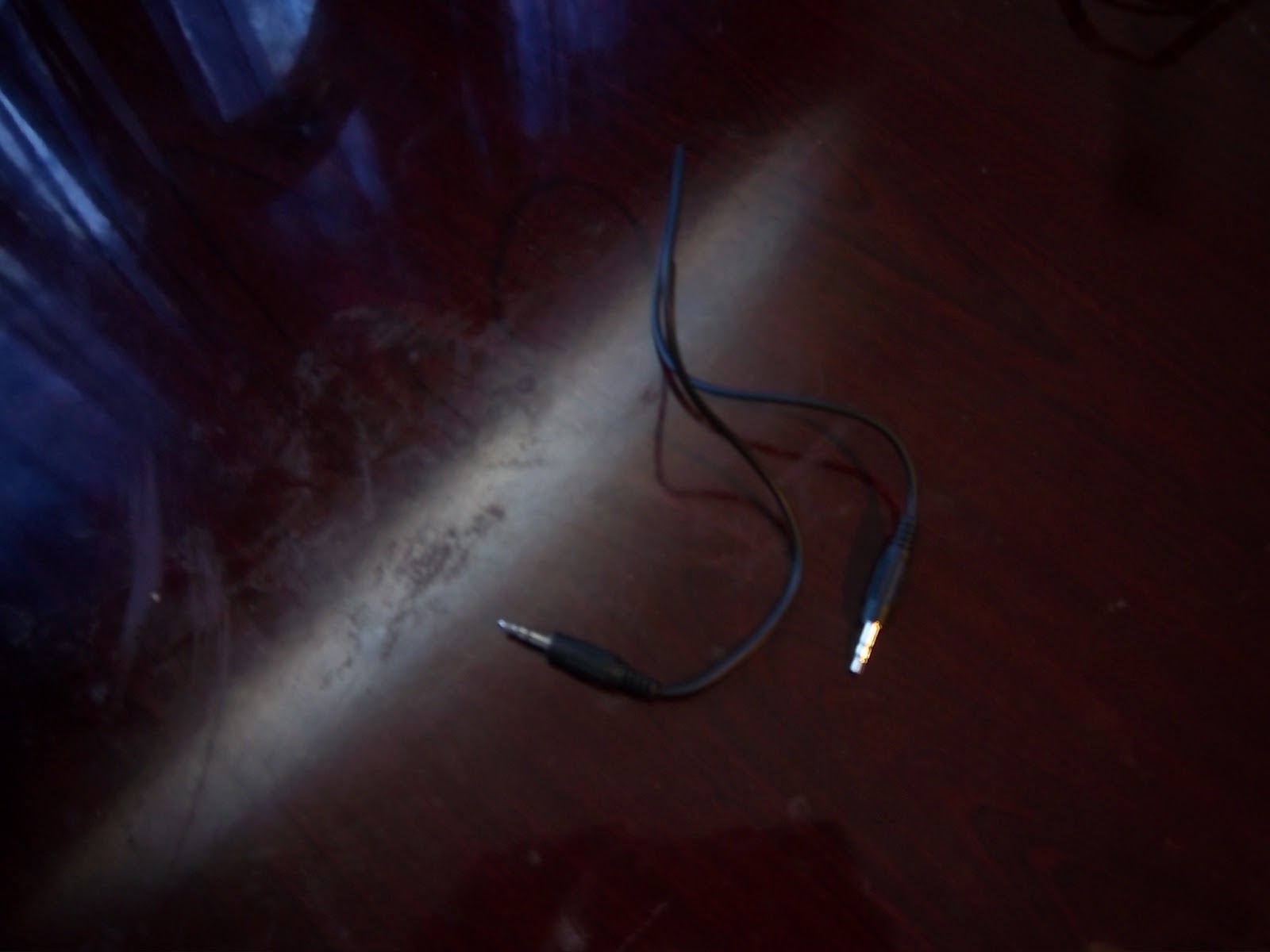
From the headphone jack, connect your the microphone on the computer with your MP3 cable. If you don't have one. Use your A/V jack and your splitter. Attach it together and connect it for the device to the computer.
Thursday, September 8, 2011
WANNA COPY A WHOLE CASSETTE TAPE ON BOTH SIDE, OR EACH SIDES
BEFORE YOU PRESS THE RECORD ON THE AUDIO RECORDER SOFTWARE. PUT THE YOUR TAPE IN AND REWIND IT. PRESS THE PLAY BUTTON IN THE TAPE AND THEN PRESS THE RECORD ON THE AUDIO RECORDER SOFTWARE. YOU WANT TO COPY THE WHOLE TAPE, THEN PRESS THE PAUSE ON THE AUDIO SOFTWARE AND FLIP THE TAPE ON THE OTHER SIDE. BUT IF YOU WANT ON ONE SIDE ONLY, PRESS THE STOP BUTTON. SAVE IT BEFORE YOU LOSE IT..
Tuesday, September 6, 2011
WELCOME TO THE LOGIC AUDIO IDEAS
Welcome to the Logic Audio Ideas.
This ideas are here to learn how to Install various device in the Following
Cassette Tapes to the Tape Recorder
CD to the CD Player
LP to the LP Player
and more..
Labels:
Boom Box,
CD,
CD Player,
Equipments,
Introduction,
Stereo,
Tape,
Tape Recorder
Subscribe to:
Posts (Atom)