LOGIC AUDIO IDEAS

LOGIC AUDIO IDEAS
Learning the audio ideas logically
Showing posts with label sound test. Show all posts

Wednesday, September 21, 2011

WANNA RECORD AND COPY IT LIVE ON RADIO, TODAY

WANNA RECORD AND COPY IT LIVE ON RADIO, TODAY
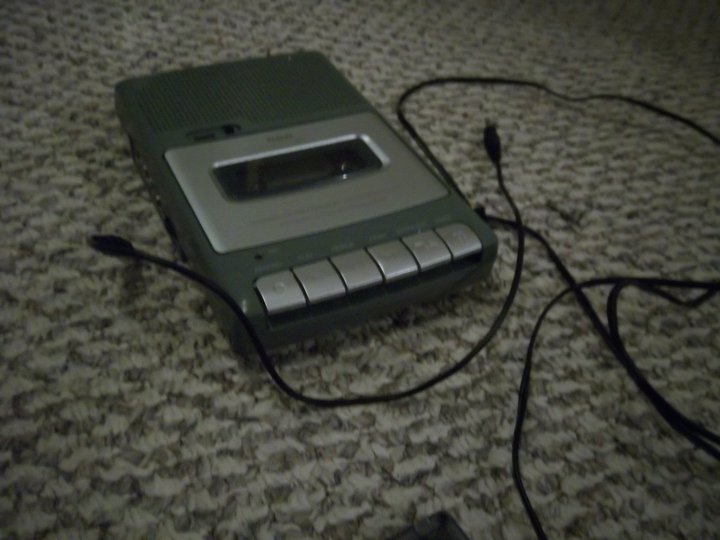
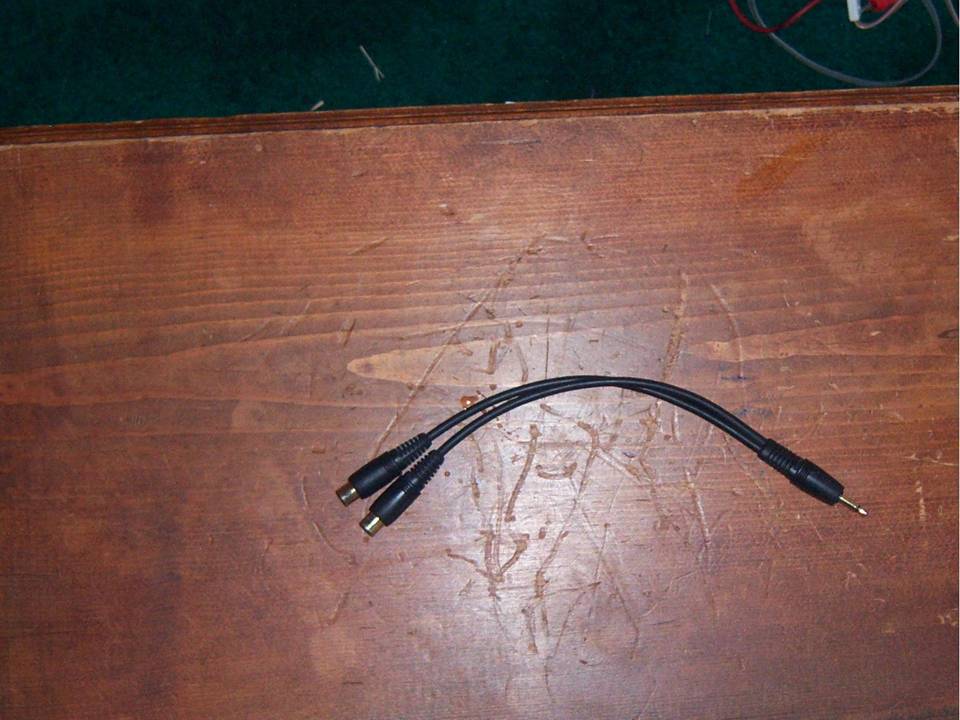
Plug it your device with your MP3 Cable, if you don't have on then used your a/v cable and splitter from the back of your Stereo. The Mp3 cable basically works from the front. The front meaning on the headphone jack.

Here are some shows that are airing, now
"Madd Hatta Morning Show" 97-9 the box" KBXX Houston
"Tom Joyner Morning Show" Majic 102.1" KMJQ Houston Galveston




Other shows from your Hometown : Houston, Dallas, and other towns around North America and overseas

Give it to you, again until you get it

1. Connect your device to your computer and test it out on sound recorder in the computer

2. If the clip works after is saved , download any of the audio/Mp3 recorder software

3.  You are ready to record it.

Tuesday, September 6, 2011

SOUND RECORDER AND VOLUME CONTROL

Before you test it out, start plugging the AV or LR jack to the microphone side on the computer, Not on the speakerphone. Do not remove the sound from the speakerphone, keep it there so you can hear it. Check the setting by going under entertainment to volume control. When you are on volume control, go on to options, then to properties. When you on properties, switch from playback to recording to set it up. When you are on the recording side on the volume check some of them. I recommend you microphone, line in , aux, phone line. Click on in and select Microphone, then it will show a check. Start from the bottom and go up a little bit to hear it. When you ready after setting the recording side on the volume control, bring your CD or cassette tape to play.

Set it up on the sound recorder first to test it

Either way after or before in the connection. Set the Volume control and then the sound recorder.  It will show you how to setting it up. First thing’s first, turn on your computer and wait until the computer is up to the desktop. When the desktop is up, then go to start, go up to program, after program move on up to accessories. After you go on accessories, click into accessories to entertainment, is just on windows 2000, and windows XP. For windows vista, the sound recorded doesn't show, or it is now available. For windows 98 and earlier desktop, after going on accessories then click on Sound recorder. But for windows 2000 and later, after going on accessories and then entertainment, click on sound recorder. When the sound recorded is up, you are ready to test it out.